How to Show Donors Their Impact: 7 Ways and an Impact Calendar
Seven ways to show donors their impact, from thank-you videos to living impact reports, plus a calendar tied to your board meeting, gala and year-end appeal.
Donors don't stop giving because they stop caring. They stop because they never find out what their last gift did. Showing impact is the job of every development director, communications lead and executive director, and it doesn't take a 40-page annual report. This guide covers what proof donors want to see, the formats that deliver it, and a calendar that puts it in front of them at the right moments.
Key facts
- Donors who hear back give again. In Penelope Burk's donor research, 93% said they would definitely or probably give again to a charity that thanked them promptly and later sent a meaningful report on what they funded (Nonprofit Quarterly).
- Most donors don't come back. Overall donor retention was 43.3% in 2025 (Fundraising Effectiveness Project).
- Impact is a schedule, not a report. Tie proof to dates donors already expect: the thank-you, the board meeting, the gala, the annual report and the year-end appeal.
- Show, don't summarize. One person's story plus one number beats a page of outputs.
- Make it reusable. Film once, then cut the same story for email, social, the board deck and grant reports.
What "impact" means to a donor
Your program team measures outputs: meals served, students enrolled, wells drilled. Donors want something simpler. They want to know:
- Did my gift arrive? Confirmation that the money reached the work.
- What changed? One concrete result they can picture.
- Who is better off? A person, family or place, not a category.
- What happens next? Where the work is going, and how they can stay part of it.
Build every impact update to answer those four questions, in that order.
Seven ways to show donors their impact
1. A thank-you that proves the gift landed
Send it within 48 hours. Name the program the donor supported and include one image or a short clip from that program. Add a phone call for first-time donors: Bloomerang's research found first-time donor retention rose from about 33% to 41% with one call within 90 days, and to 58% with more than one.
2. A 60-second impact story
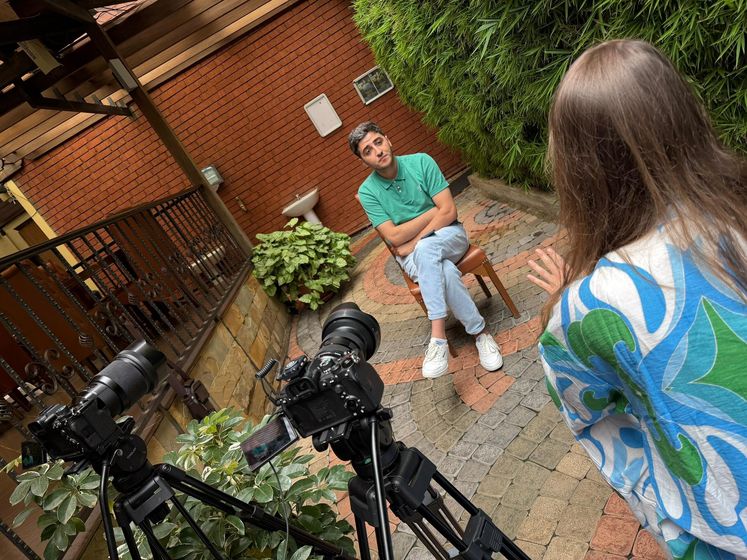
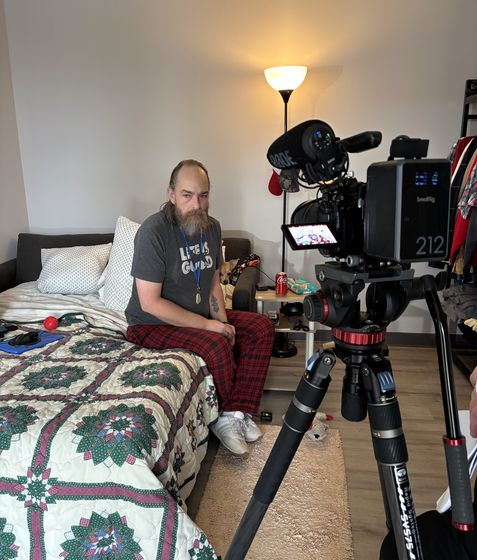
One participant, on camera, in their own words: where they started, what changed, where they are now. Short impact videos work in email, on social and at the top of your website. Our impact video guide covers how to film them.
3. A "your gift at work" update
Three to six months after a gift, send a short update from the program itself: a field staff member, a teacher, a clinician. Keep it under two minutes and specific to what that donor funded.
4. A living impact report
Instead of a static PDF once a year, build an online impact page that you update every quarter: a map of where you work, short clips from participants, and a few headline numbers. Donors can return to it, board members can share it, and your team stops rebuilding the annual report from scratch.
5. A board meeting impact cut
Open every quarterly board meeting with a three-minute video of the work. Board members are your most important ambassadors; give them proof they can repeat in their own words.
6. Event and gala proof
Your gala is the one night donors give you their full attention. Show the outcome of last year's paddle raise, then use the same footage in the follow-up email. See our gala recap video guide.
7. The annual report, upgraded
Pair the written report with a two-to-three-minute video that covers the year in one story. Our annual report video guide explains how to structure it.
An impact calendar donors can feel
- Within 48 hours of a gift: thank-you with a clip from the program.
- Within 90 days: a phone call or personal video for first-time donors.
- Quarterly: update the living impact report and send a short "your gift at work" story.
- Before each board meeting: a three-minute impact cut.
- Gala season: a story film for the room and a recap for everyone who couldn't attend.
- Year-end appeal: lead with last year's proof before asking for this year's gift.
Year-end matters most: Blackbaud Institute data shows December alone brings in roughly 18% of annual giving. The donors who give in December need to see proof by spring. For benchmarks, see our donor retention statistics.
How to collect proof without overloading staff
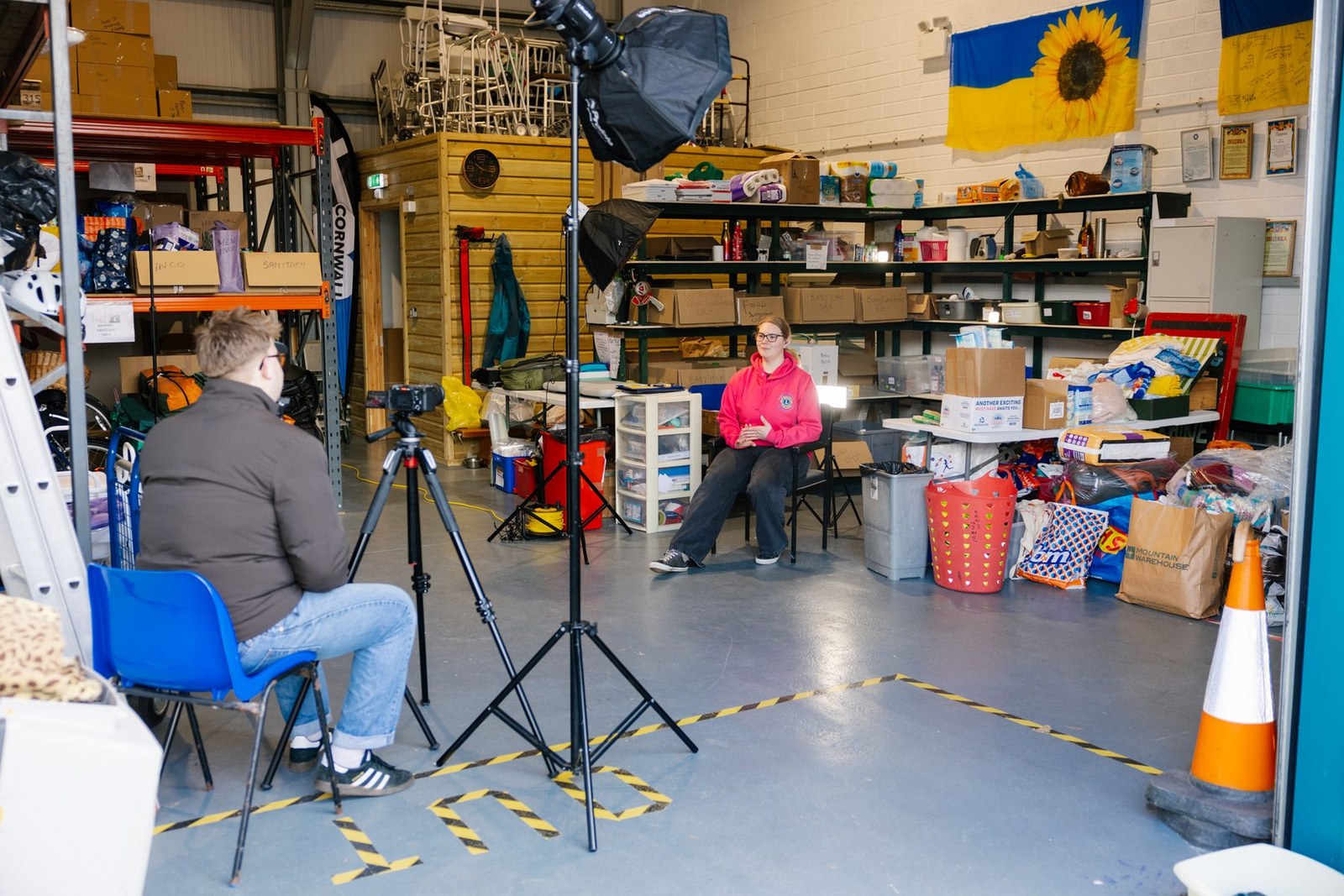
- Batch your filming. One or two shoot days can produce a year of clips for email, social, board decks and grant reports.
- Ask program staff for one moment a month. A photo, a quote, a short phone video. Keep a shared folder.
- Get consent once, properly. A clear release covering all your channels saves rework. See our legal tips for nonprofit video.
- Pair every story with one number. "Maria is one of 412 women who started a business through our program this year."
Mistakes to avoid
- Reporting activities instead of change. "We held 40 workshops" tells donors nothing about outcomes.
- Talking about the organization instead of the people. Keep your staff in a supporting role.
- Waiting for the annual report. Twelve months of silence is how donors lapse.
- Asking in every update. Some updates should simply say thank you and show results.
Impact examples by cause
- Education: a student reading aloud at the start of the year and again at the end.
- Health: a patient back at work or school, filmed with their consent, plus the number of patients served.
- Housing and homelessness: the day a family gets the keys, and a check-in six months later.
- International development: a cooperative member showing the business your donors helped start.
- Environment: the same stretch of river or forest, before and after restoration.
- Animal welfare: an adoption day and a note from the adopting family.
Each one pairs a person or place donors can picture with a result they can repeat to a friend. For more ideas, see our list of donor stewardship ideas.
Frequently asked questions
How often should we update donors on impact?
At least quarterly, plus a thank-you within 48 hours of each gift. Donors who hear from you only when you ask are the most likely to lapse.
Do we need professional video to show impact?
Not for every update. Phone video from program staff works well for quick "your gift at work" notes. Invest in professional production for the stories you'll use all year: the annual report film, the gala story and the year-end appeal.
What if our impact is hard to film?
Film the people closest to the change: participants, families, staff and partners. For advocacy or research work, show the moment a policy passed or a finding reached the people it helps.
How do we protect participants' privacy?
Get written consent covering every channel you plan to use, let people decline without consequence, and never show identifying details for anyone at risk. When someone can't be on camera, tell their story through staff, voiceover or anonymized visuals.
Build a proof system with us
Happy Productions makes impact videos and living impact reports for nonprofits, foundations and NGOs, timed to your thank-you, board meeting, gala and year-end appeal. Our campaigns have passed 1 billion views, and our 20,000+ vetted storytellers film in 130+ countries, so we can capture your work wherever it happens. See our case studies and nonprofit video production services, or book a free consultation.
Not sure where to start?
Book a free strategy call. We'll workshop a video concept for your nonprofit — no charge, no pitch deck.
Book my free callReady to put your story on screen?
Tell us what you're working on. In 15 minutes we'll sketch the video with you — what to film, who to put on camera, and where it should run.