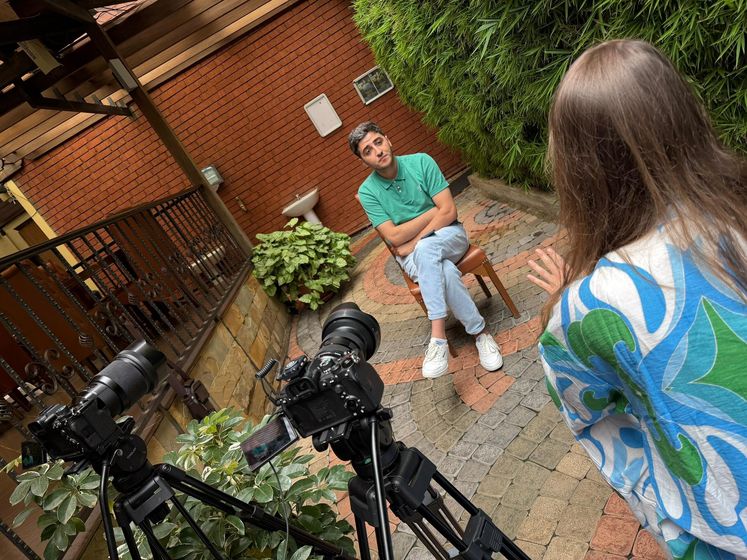
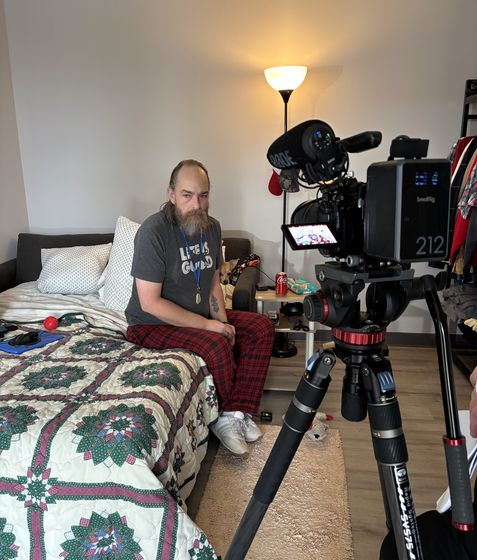
Humanitarian Nonprofit Video Script Template (Free)
Free script template for urgent, dignified storytelling—problem, person, transformation, CTA.
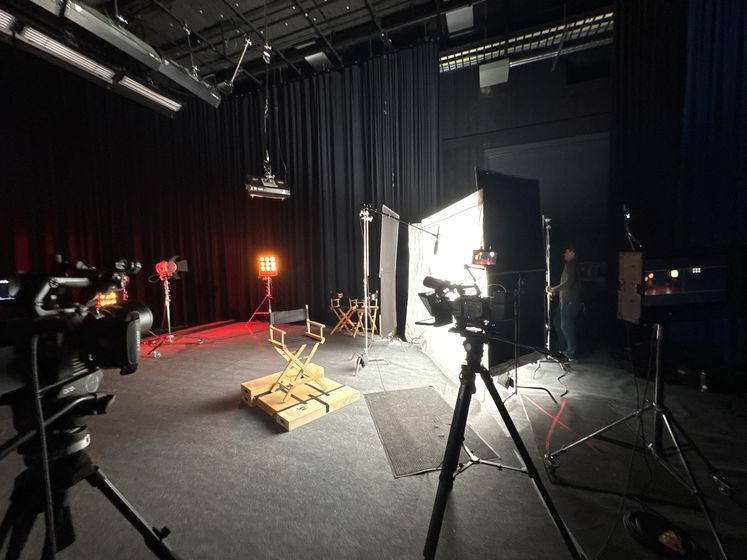
The 5-Beat Humanitarian Arc
- Problem (facts + stakes) — orient quickly with a human truth.
- Person — one protagonist with specific details.
- Intervention — what your org does; what donors make possible.
- Transformation — the change, in the protagonist’s words.
- Call to Action — a clear, immediate next step.

Copy-Paste Script Template (30/60/90s)
Opening Hook (on-screen text + VO):
“Today, [X people] will [experience problem]. Here’s one story we can change.”
VO/Interview Beat:
- Name (or pseudonym), location, 1 detail that makes them real.
- A moment: “Every morning we…” / “The day the clinic arrived…”
Organization Beat:
- “[ORG] provided [specific solution].”
- Show tactile proof (water flowing, food distribution, clinic queue, AAC device in use).
Transformation Beat (First-person):
- “Now I can…” / “We no longer…” / “My child can…”
CTA (on-screen + VO):
- “Give $X to help a family like [Name] today.”
- URL/QR shortlink; end card with clear button label (“Donate Now”).
Durations:
- 30s: 2–3 shots/problem, 1 line/person, 1 proof visual, CTA card (3s).
- 60s: Add 1–2 beats of context + slow motion proof shot.
- 90s: Add stat + partner/field staff quote.
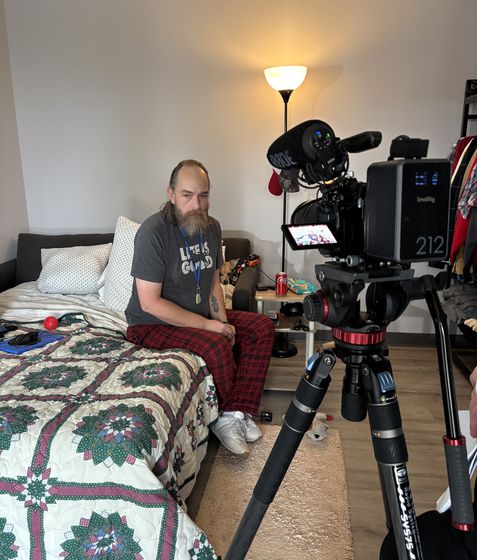
Visual Language: Shot List
- Wide: establish environment.
- Medium: action (water pump, clinic, farm work).
- Close: hands, faces, tools—emotional proof.
- Insert: signage, paperwork, maps—credibility boosters.
Ethics & Dignity
- Consent: use trauma-informed, translated forms.
- Safety: protect identities where needed; consider silhouettes/voice alteration.
- Avoid poverty voyeurism: center agency, not suffering.
Captioning & Translation
- Burn-in bilingual subtitles for key regions; maintain line length and timing.
- Keep jargon out; choose easy verbs; make CTAs location-appropriate.
Real-World Use
- Heifer (Honduras): Women farmers’ stories → 163k views in week one.
- Project HOPE: Local clinic profile → clear engagement uptick.
- ACE (climate): Survivor interviews after disasters → hundreds of thousands of paid views; policy conversations sparked.
Download the free script template text above (copy/paste). Want us to customize for your program? Book a quick consult.
Video Storytelling That Drives Donations
Happy Productions produces impactful fundraising videos that inspire viewers to donate. We combine powerful storytelling with a clear call-to-action to motivate more support for your mission
Boost Your Fundraising – Free Consultation →
Explore More Resources
- Our Nonprofit Video Production Services — See how we help nonprofits tell stories that drive donations and engagement.
- Case Studies — Real results from 26+ nonprofit clients including 36M+ organic reach and 500% engagement increases.
- Fundraising Video Production — Videos designed to inspire donations and boost donor retention.
The Complete Nonprofit Video Script Template
Use this structure for any impact story or campaign video. Fill in the brackets with specifics from your organization.
Opening (0:00 – 0:20): Start in the Middle of Life
Visuals: B-roll of your protagonist in their daily environment — not looking at camera, just living. No titles yet.
Optional narrator line: "This is [Name]. [One sentence that establishes who they are without explaining the problem yet]."
Goal: Make the viewer care about this person before they know there's a problem.
Act 1 (0:20 – 1:00): The Problem, In Their Words
Interview question to ask: "Tell me what your life looked like before you connected with [Organization]."
What you're looking for: Specific details — not "it was hard" but "I was working two jobs and still couldn't make rent." Specificity is credibility.
Narrator bridge (optional): "Like millions of [Americans / children / families], [Name] was facing [problem]. That's where [Organization] comes in."
Act 2 (1:00 – 2:00): The Turning Point
Interview question: "What changed? Can you walk me through the moment things started to shift?"
Visuals: B-roll of your program in action — the service, the people, the place. This is where you show, not tell, what your organization does.
Avoid: Organization spokesperson explaining the program. The protagonist should carry this section in their own words.
Act 3 (2:00 – 2:45): Life After
Interview question: "What does your life look like now? What are you able to do today that you couldn't do before?"
Visuals: The protagonist in the new reality — with their family, at work, in a moment of joy or stability.
Goal: The emotional payoff. The viewer needs to feel that something genuinely changed.
Closing Call-to-Action (2:45 – 3:00)
Options:
- Protagonist speaks directly to camera: "If you want to help someone like me..." (most powerful)
- Narrator: "For [X amount], you can [specific outcome]. Give today at [URL]."
- Title card only: Donation URL + one-line impact statement
Rule: Never end on the organization's logo. End on a face, a moment of hope, or a direct ask.
Script Template for Campaign Launch Videos (60 seconds)
Shorter format, higher energy. Use for GivingTuesday, year-end campaigns, and social media launches.
0:00–0:05: Hook — one striking visual or statement. "One in six children in America goes to bed hungry."
0:05–0:25: Problem + urgency. "This [holiday season / month / campaign period], [X families] need help."
0:25–0:45: Solution + proof. Brief testimonial clip or program footage. "When [Name] came to us..." or "Last year, we [specific outcome]."
0:45–0:60: Ask + deadline. "Give $[amount] by [date] and [matching gift / specific outcome]. [URL]."
Interview Question Bank
These questions consistently produce the most usable interview footage. Never ask yes/no questions. Let the subject talk.
- "Take me back to [time period before your organization]. What was a typical day like?"
- "What was the hardest part of that time?"
- "What did you think when you first heard about [Organization]? Were you skeptical?"
- "When did you first feel like something was actually changing?"
- "What are you able to do today that you couldn't do a year ago?"
- "If you could say one thing to someone who's thinking about supporting [Organization], what would it be?"
- "What would you tell someone who's in the situation you were in?"
Common Script Mistakes to Avoid
Leading with the organization's founding story. Donors don't care when you were founded. They care what happens when they give. Move the founding/history to the end or remove it entirely.
Using jargon. "Evidence-based interventions," "wraparound services," "capacity building" — none of this means anything to a first-time donor. Use plain language.
Overcrowding the script. One story. One protagonist. One emotional arc. The temptation to show everything your organization does is strong — resist it. The video that tries to cover five programs will connect with no one.
Front-loading the ask. The donation request should come after the emotional peak, not before it. Viewers who haven't invested emotionally in the story will ignore an early ask.
Frequently Asked Questions
Should the script be word-for-word or a loose guide?
For narrator voice-over: write word-for-word and record exactly. For interview subjects: use questions as a guide, never a script. The goal is natural speech, not recitation. The best interview footage comes from extended conversations where the subject forgets the camera is there — that requires open-ended questions and patience, not scripted answers.
How long should a nonprofit video script be?
A 2-minute video script (at average speaking pace of 130 words/minute) is roughly 260 words of spoken narration — plus interview excerpts selected in editing. Write your narrator lines, then plan your interview questions. The final edit assembles the story from real footage, not a pre-written transcript.
What if our beneficiaries don't want to be on camera?
Many nonprofits work with vulnerable populations — survivors, children, people in crisis — where showing beneficiaries on camera isn't appropriate or safe. In these cases, use staff members or volunteers who work directly with the population to tell proxy stories ("I've seen clients who..."), combine with animated data visualizations, or use silhouettes and voice-altering software with explicit consent.
Not sure where to start?
Book a free strategy call. We'll workshop a video concept for your nonprofit — no charge, no pitch deck.
Book my free callReady to put your story on screen?
Tell us what you're working on. In 15 minutes we'll sketch the video with you — what to film, who to put on camera, and where it should run.